
Family-First Tech: Protecting Your Home for the Kingdom
- Boundless Team

- Feb 26
- 3 min read
Welcome home, friend.
If you’ve ever felt like technology is moving faster than your family can keep up, you’re not alone.
Here at Boundless Online Church, we believe God cares about the everyday stuff—like how you protect your home, your kids, and your peace.
So let’s talk about family-first tech.
Not scary headlines.
Not complicated jargon.
Just practical ways to strengthen security in your home and keep your people covered—so your family can focus on what matters most.
What “Family-First Tech” Actually Looks Like
Picture this:
It’s late at night.
Your kids are asleep.
You’re doing one last scroll… and a pop-up warns you your password was leaked, or you see a weird login alert.
That moment is exactly why a simple tech safety plan matters.
Family-first tech is just putting smart guardrails in place:
Strong passwords and safer logins
Secure Wi‑Fi at home
Safe screens for kids
A little bit of planning that saves a lot of stress later

A simple family-first tech plan usually includes:
Home Wi‑Fi security – Update your router, change the default admin login, and use a strong Wi‑Fi password (and WPA2/WPA3 encryption).
Account protection – Use unique passwords and turn on 2‑factor authentication (2FA) for email, banking, and social accounts.
Device updates – Keep phones, tablets, laptops, and smart TVs updated so security patches actually protect you.
Kid-safe settings – Screen time limits, content filters, and age-appropriate apps.
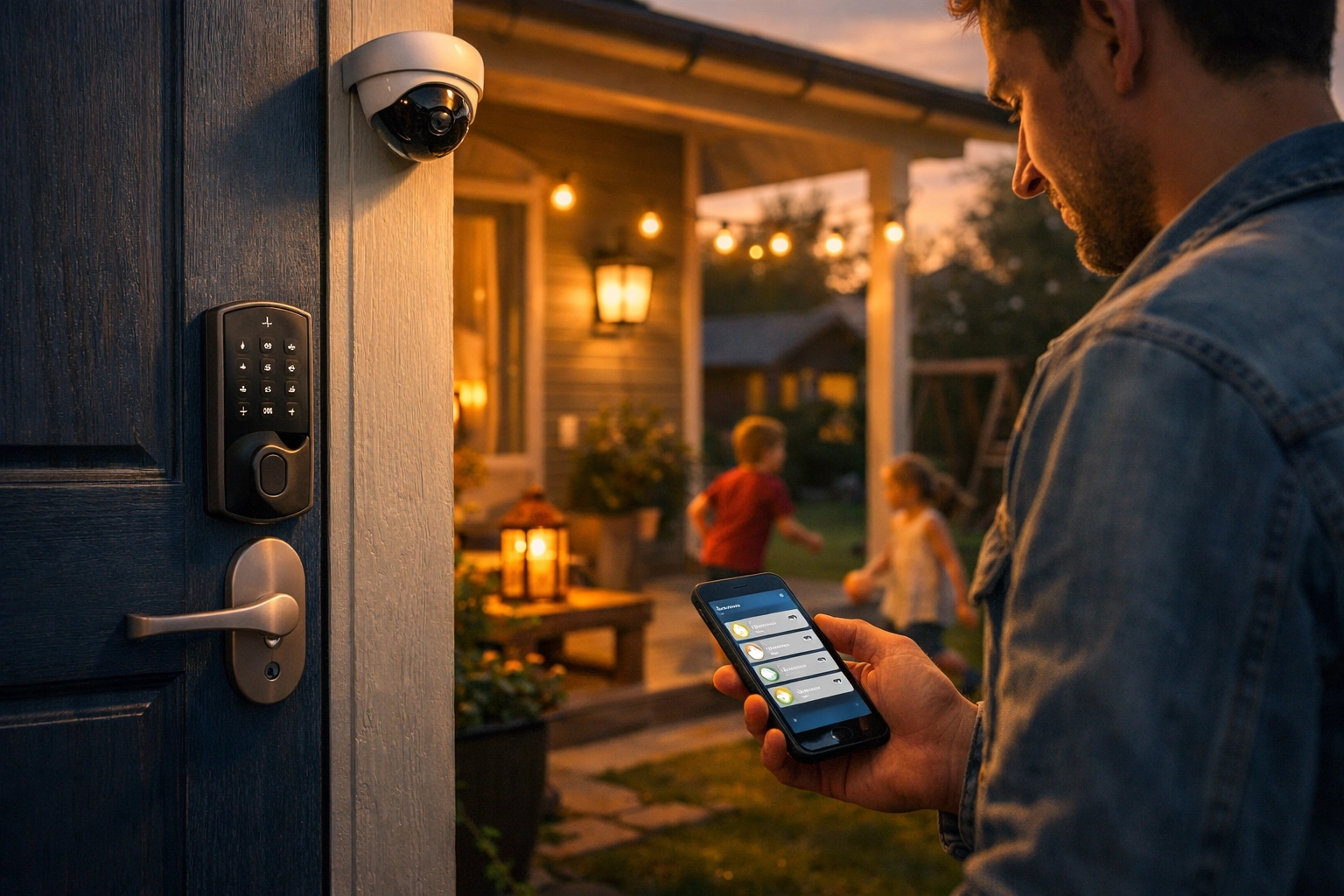
Smart-home basics – Cameras, doorbells, and smart locks are helpful—but only if they’re set up securely.
Home Security Tech That Actually Helps (Without Overcomplicating It)
A few practical upgrades can make a real difference:
1) Start with the router Your router is the front door to your digital home.
If you do nothing else this week, do this:
Change the default admin username/password
Update the router firmware
Turn on WPA2/WPA3
Create a guest Wi‑Fi network for visitors and smart devices
2) Use 2FA everywhere it matters Email is the big one.
If someone gets your email, they can usually reset everything else.
3) Make device updates automatic Most families don’t get hacked through movie-level schemes.
They get hit through old software.
Auto-updates are boring—and that’s the point.
As Dr. Layne McDonald, Online and Connection Pastor at FA Memphis and Boundless Online Church, often says: "Technology is just a tool. It's what we do with it that matters. And we're going to use every tool we have to share the gospel and love people well."
But Wait, Is This Biblical?
Great question, friend. Let’s talk about it.
Protecting your family and being wise about your home isn’t a “lack of faith.”
It’s stewardship.
Scripture constantly points us toward wisdom, preparation, and caring well for the people God has entrusted to us.
Family-first tech is simply applying that same wisdom to the world we live in now—where so much of life runs through screens, passwords, and connected devices.

Practical Family Tech Safety Checklist (Start Here)
If you want a simple starting line, try this:
For parents
Turn on screen-time limits (set bedtime downtime)
Approve new app downloads
Use content filters appropriate for each kid’s age
Keep devices out of bedrooms overnight (if possible)
For the whole home
Use a password manager (one strong master password)
Turn on 2FA for email + banking + social
Review privacy settings on the most-used apps once a month
Teach kids what to do if they see something scary or get a message from a stranger: tell you immediately
For smart-home devices
Change default passwords
Update firmware
Disable features you don’t use (remote access, voice purchasing, etc.)
Put smart devices on a guest network when possible
This Isn’t About Fear, It’s About Peace
Let’s be real: you can’t control everything online.
But you can make your home harder to mess with—and easier to manage.
A little planning now brings a lot more peace later.
At Boundless Online Church, we’re not here to shame anybody for “not being techy.”
We’re here to help families take practical steps, ask better questions, and keep Jesus at the center of the home.
If you’ve been curious about how technology and faith intersect, we’d love to have you explore with us. Check out our blog for more resources, or join us for our Weekly Lunch Bible Study where we dig into topics just like this one.
Subscribe so you don’t miss the latest news and series from Boundless Online Church.
You are deeply loved, friend.
And whether you connect with us through a screen, a phone call, or a simple conversation about what your family needs next: you belong here.
Connect With Us

Boundless Online Church AI 24/7 Assistant: 1-901-668-5380 Boundless Phone: 1-901-213-7341 FA Memphis: 1-901-843-8600 Email:lmcdonald@famemphis.net Website:www.boundlessonline.org More Websites:www.boundlessonlinechurch.org | www.famemphis.org
Comments