
The Importance of Digital Boundaries: Keeping Your Family Safe While Sharing the Gospel
- Boundless Team

- Feb 26
- 3 min read
Picture this: it’s a regular weeknight at home. Kids are finishing homework on a Chromebook. A parent is checking a church livestream on the TV. Somebody’s phone is buzzing with messages.
That’s real life now.
And it’s also why digital boundaries matter so much.
I’m Dr. Layne McDonald, Online and Connection Pastor at First Assembly Memphis and Boundless Online Church, and I’ve seen something up close: technology can be a powerful doorway for the Gospel… and a wide-open doorway for things you don’t want in your home.
This post isn’t about fear.
It’s about wisdom. It’s about building simple guardrails. And it’s about keeping your family safe while still using technology to share Jesus.
The Digital Mission Field Starts in Your Living Room
Most families don’t have a “tech problem.”
They have an unplanned tech environment.
Phones in bedrooms. Unknown apps. Group chats with strangers-of-strangers. Autoplay leading from something harmless to something you didn’t choose.
The mission field is global, yes. But the first place we steward is right at home.
A good digital boundary isn’t just a rule. It’s a decision that says:
“We’re going to use tech on purpose.”
The 4 Digital Boundaries Every Family Can Start Today
You don’t need a tech degree to do this.
Start small. Be consistent. And treat this like discipleship, not just discipline.
1) Keep screens out of bedrooms (especially at night)
Nighttime is where a lot of damage happens. Not because your kids are “bad,” but because tired brains make bad choices.
A simple boundary: Phones charge in the kitchen.
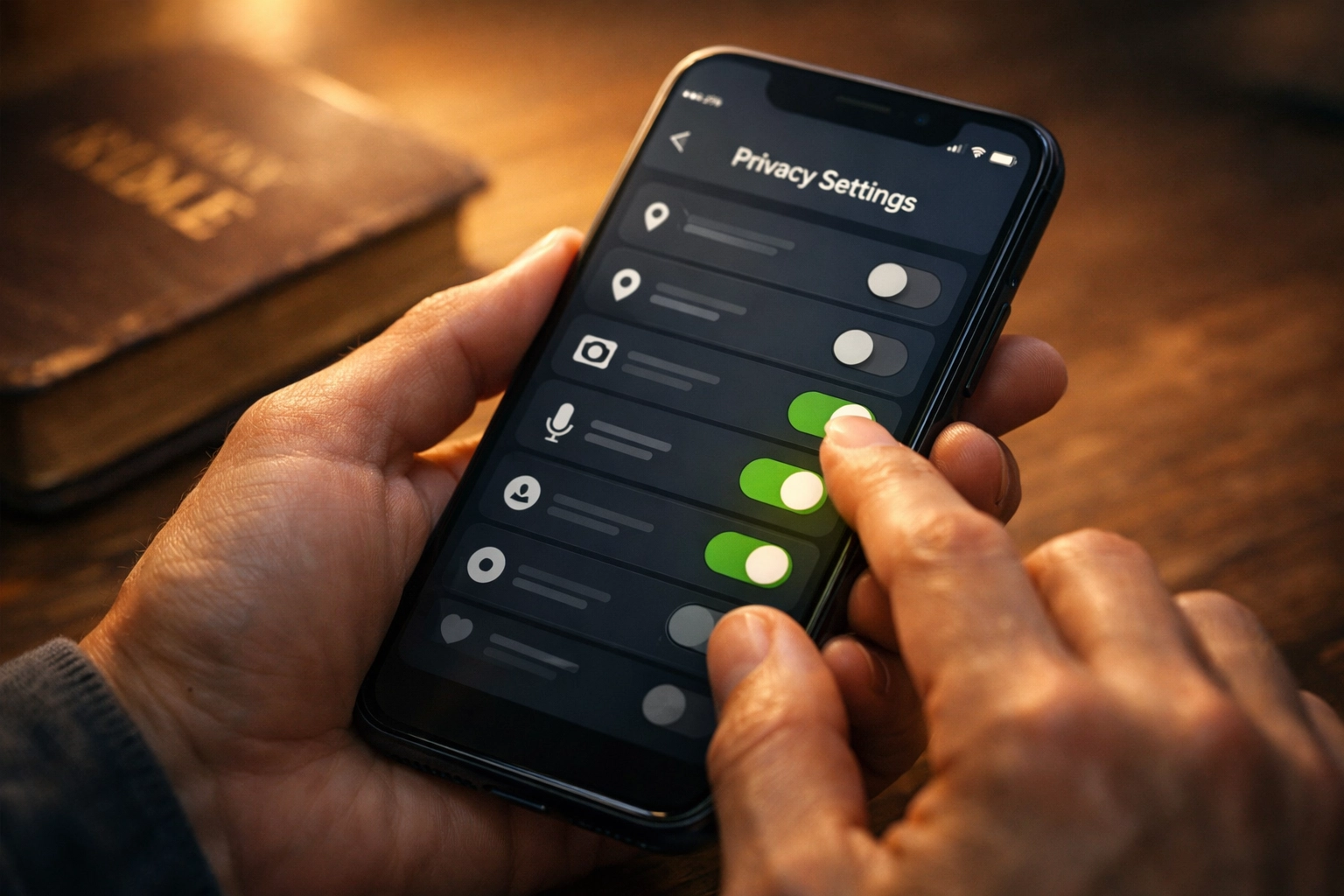
2) Use parental controls—and actually turn them on
Most devices already include protections.
Screen time limits
App install approval
Content filters
Location sharing (when appropriate)
If you’ve never set these up, don’t feel behind. Just start now.
3) Agree on “public tech” for younger kids
For younger kids, keep tablets and computers in shared spaces.
Not as surveillance.
As support.
When tech is public, conversations happen naturally— and kids are less likely to wander into something confusing or unsafe.
4) Have one repeating conversation: “Pause and ask”
Teach your family a simple phrase they can use anytime:
“If something feels off, pause and ask.”
That includes:
a random message request
a weird link
a friend sending content they shouldn’t
a video that suddenly gets sexual, violent, or hateful
The goal is not shame. The goal is a safe on-ramp back to you.
Sharing the Gospel Without Oversharing Your Life
A lot of Christian families want to share Jesus online. That’s a beautiful thing.
But here’s a good boundary:
Share your faith. Protect your privacy.
A few practical tips:
Don’t post your child’s school name, team schedule, or daily routine publicly
Be careful with location tags (especially in real time)
Keep family group photos for friends-only, not fully public
Think twice before posting emotional moments that belong in the living room, not the feed
If you want to point people to Jesus, you can do that without putting your family at risk.
Tech Safety Is a Discipleship Issue
The internet disciples people 24/7.
So we can’t just teach kids what to believe. We also teach them how to navigate.
That means we model:
what we watch
how we talk online
how we apologize when we cross a line
how we log off and rest
Digital boundaries aren’t a punishment.
They’re protection that makes space for peace.

Your Next Step (Keep It Simple)
If you’re not sure where to begin, start with one change this week:
Choose a family charging spot
Turn on screen time limits
Remove one app that’s causing issues
Set a “no screens during meals” boundary
Or schedule a 20-minute family talk about online safety
If you’d like help, reach out. We’ll point you to resources and practical next steps.
Follow and subscribe so you don't miss the latest episodes, Bible studies, and stories of life change happening through digital ministry.
Ready to explore digital ministry for yourself? Visit us at www.boundlessonline.org or reach out anytime: our AI assistant is available 24/7 at 1-901-668-5380. You can also connect with our team at Boundless Online Church (1-901-213-7341), First Assembly Memphis (1-901-843-8600), or email me directly at lmcdonald@famemphis.net. Learn more at www.boundlessonlinechurch.org.
Comments