
The Ultimate Guide to Tech Safety for Christian Families: Everything You Need to Know

Technology is part of everyday family life now.
Phones, tablets, games, smart TVs, school apps, Wi‑Fi… it adds up fast.
And if you’re a parent trying to protect your kids without turning your home into a bunker, you’re not alone.
This guide focuses on practical tech safety and parental controls you can actually use.
No panic.
No shame.
Just clear steps, good boundaries, and a safer setup.
Let’s dive in.
Why Tech Safety Matters Right Now
Most kids are online every day.
And the internet isn’t just “content.”
It’s communication.
It’s strangers.
It’s algorithms.
It’s real-world consequences.
The goal isn’t to fear tech.
It’s to lead your family with wisdom, clarity, and consistency.
Here’s what tech safety really protects:
Your kids’ hearts and minds (what they see and absorb)
Your family’s privacy (what data gets collected and shared)
Your peace at home (less conflict, fewer surprises)
Your relationships (more trust, better conversations)
You don’t have to be a tech expert.
You just need a simple plan—and a few tools working for you, not against you.

The Tech Safety Basics (The Stuff That Actually Helps)
Let’s get practical.
If you only do a few things, start here.
1) Put devices in the “open,” not behind closed doors
Private screens are where problems grow.
A simple rule helps a lot:
Devices stay in common areas when possible
Bedrooms are for sleep (and real rest), not endless scrolling
If your child needs a device in their room for homework, consider a clear agreement:
Door stays open
Screen faces outward
Parent check-ins are normal, not “punishment”
2) Set clear screen-time boundaries
You don’t need perfect numbers.
You need consistent rhythms.
Try anchors like:
No screens before school (or only after the morning routine)
Screen-free dinner
Devices charge overnight outside bedrooms
One “family tech sabbath” window each week (even just a few hours)
3) Use parental controls (and keep them updated)
Parental controls aren’t about spying.
They’re about safety.
Most devices let you:
Block mature content
Approve downloads
Limit app categories
Set daily time limits
Pause the internet
Restrict web browsing
Manage who can contact your child
The best time to set these up is before there’s a problem.
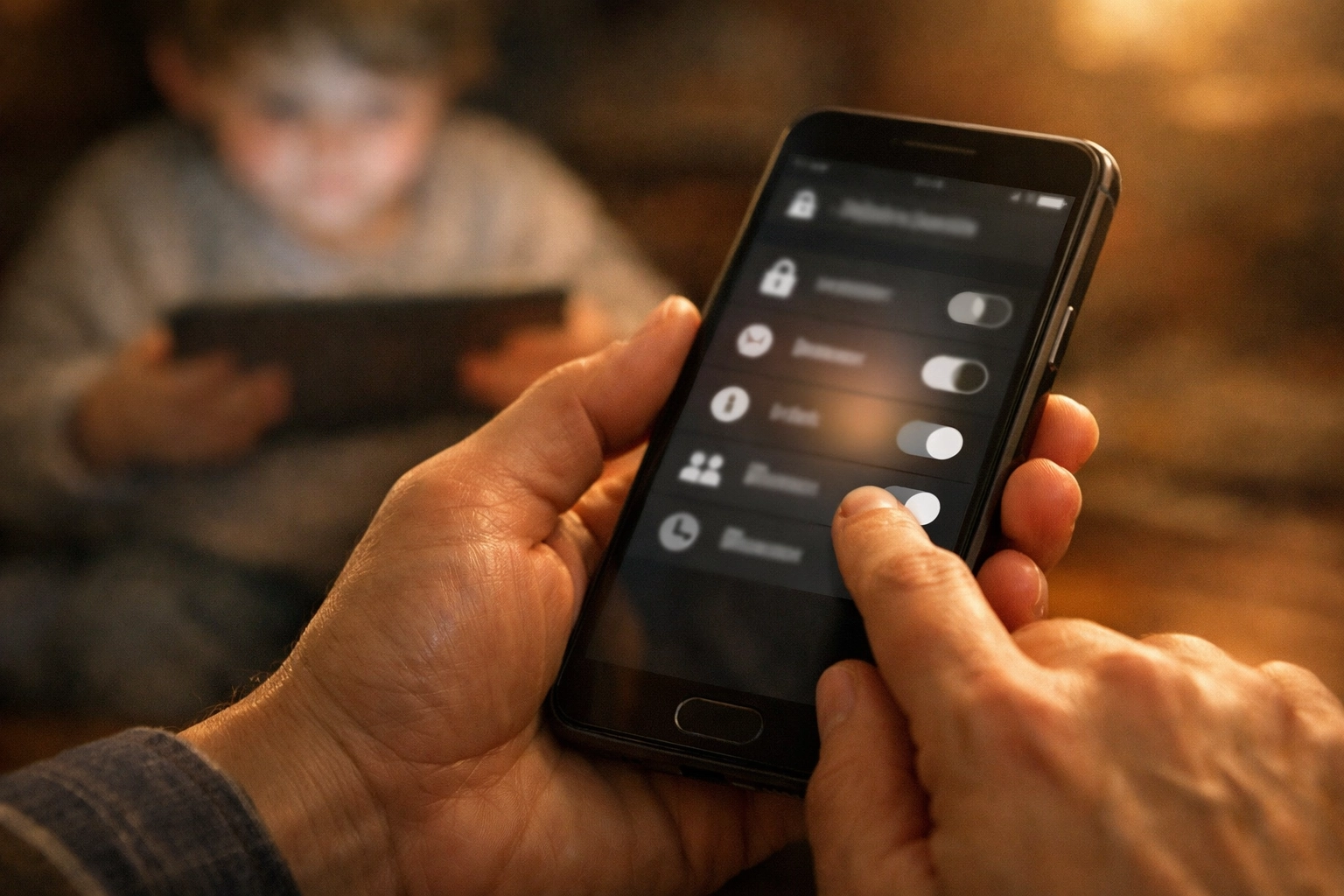
Parental Controls: What to Turn On (A Simple Checklist)
Here’s a quick “walk-through” list you can use on almost any phone or tablet.
Content filtering
Turn on age-based filtering
Block explicit websites
Restrict mature content in app stores
App installs & purchases
Require a parent approval (PIN/password)
Turn off in-app purchases if needed
Communication
Limit who can message/call (where available)
Review new social apps together before installing
Location sharing
Use only if it brings peace (not anxiety)
Keep it family-only (no public sharing)
Privacy
Turn off ad personalization
Restrict microphone/camera access for apps that don’t need it
Disable unnecessary background tracking
If you need help finding where these settings live on your family’s devices, reach out and we’ll point you in the right direction.
Home Wi‑Fi Safety (Your Router Is the Front Door)
A lot of families set rules on devices…
…but forget the Wi‑Fi.
A few upgrades here can protect everyone at once.
Update your router password
Don’t keep the default password printed on the router
Use strong Wi‑Fi security
Use WPA2/WPA3 if your router supports it
Create a guest network
Put visitors’ devices on guest Wi‑Fi
Keep your main network private
Schedule internet downtime
Many routers let you pause Wi‑Fi by device
You can also schedule “off” hours overnight
Keep your router firmware updated
Updates often fix security issues

Social Media + Gaming: Where Families Get Stuck
A lot of danger isn’t “bad websites.”
It’s people.
And it’s pressure.
Here are the big ones to watch:
Chats and DMs
Predators and scammers use friendly conversation first
Teach kids: “If someone asks for secrecy, that’s a red flag.”
Group chats
Group dynamics can get toxic fast
Make it normal to leave unhealthy chats
Live streaming
Kids can share personal info without realizing it
Disable live features when possible
Online gaming
Voice chat + strangers = risk
Turn off voice chat for younger kids
Use friend-only chat when available
Unknown links
“Free skins” and “giveaways” can be scams
Teach: don’t click links from strangers (or even from friends if it feels off)

A Simple Family Tech Covenant (Keep It Calm and Clear)
Consider writing down 6–10 family rules and revisiting them monthly.
Here are examples you can copy:
We don’t hide screens.
We tell the truth about what we see online.
If something pops up that’s sexual, scary, or confusing, we come to a parent—no fear, no shame.
We don’t share personal info (school, address, phone number) publicly.
We don’t meet online friends in real life.
We ask before downloading new apps.
We treat people with respect online, even when we disagree.
Safety grows when expectations are clear—and when kids know they can talk to you.
When Something Goes Wrong (What To Do Next)
If your child is exposed to something harmful, here’s a steady path:
Stay calm (your calm helps them be honest)
Remove access (pause Wi‑Fi or take the device)
Ask what happened (not just what they did)
Document if needed (screenshots for harassment/scams)
Block/report (apps, platforms, phone carrier)
Reset boundaries (and consider stronger controls)
If there’s grooming or threats, contact local authorities
You’re not failing.
You’re parenting in a complex world.
And it’s okay to get help.
Let’s Keep This Conversation Going
If you’re trying to build a safer tech plan for your home, you don’t have to figure it out alone.
If you tell us your kids’ ages and what devices you’re using (iPhone, Android, iPad, Chromebook, PlayStation/Xbox, etc.), we can help you think through a safer setup and what controls to turn on.
Have questions? Reach out anytime.
Dr. Layne McDonald Online and Connection Pastor FA Memphis and Boundless Online Church
Contact Information: Boundless Online Church AI 24/7 Assistant: 1-901-668-5380 Boundless Phone: 1-901-213-7341 FA Memphis: 1-901-843-8600 Email: lmcdonald@famemphis.net Website: www.boundlessonlinechurch.org Also visit: www.boundlessonline.org
Stay connected with us for the latest Faith & Tech insights, Bible studies, and practical ministry tools. Subscribe to our blog at www.boundlessonlinechurch.org and never miss an update. Let's multiply the message of Jesus( together.)
Comments